Choose the Right Hoop With Our New AR Tool
Choosing a Goalsetter basketball hoop is a meaningful decision for families who want a reliable, long-lasting system that creates memories, encourages play, and brings everyone outdoors. To make the selection process easier, Goalsetter now offers a 3D and Augmented Reality (AR) viewing tool that allows you to preview your hoop from every angle and even visualize it in your driveway. This technology helps families plan their court layout, compare models, and choose the right hoop with confidence.
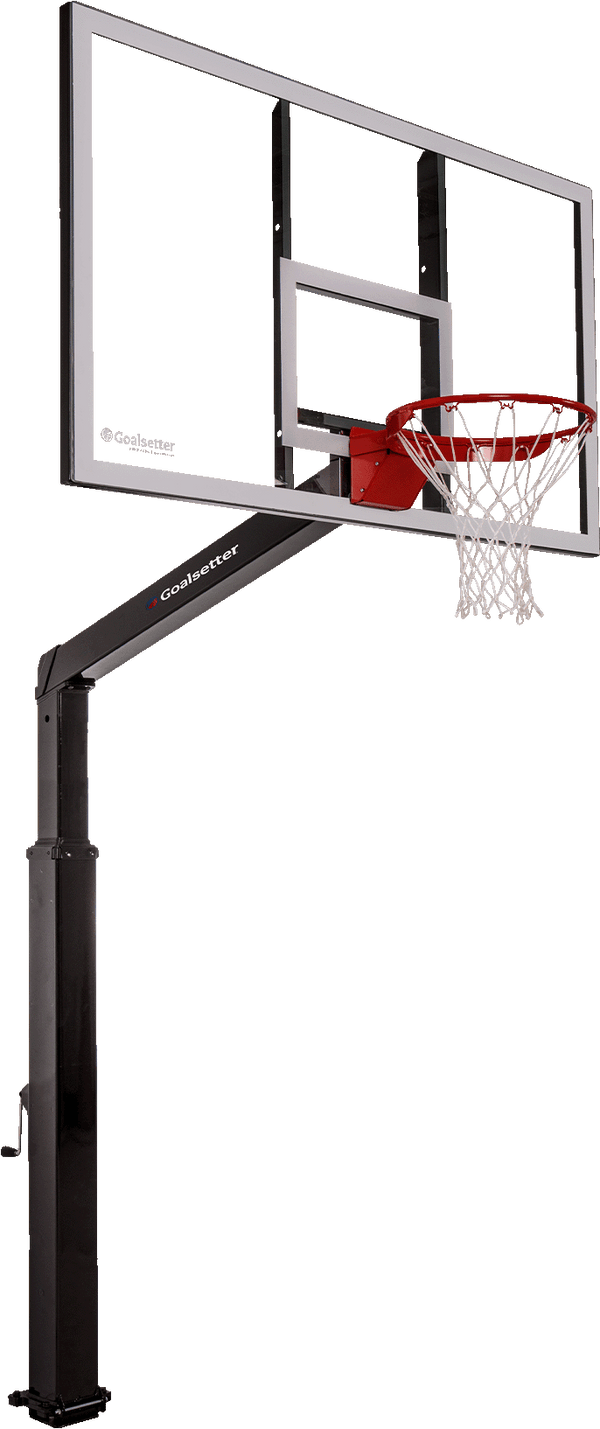
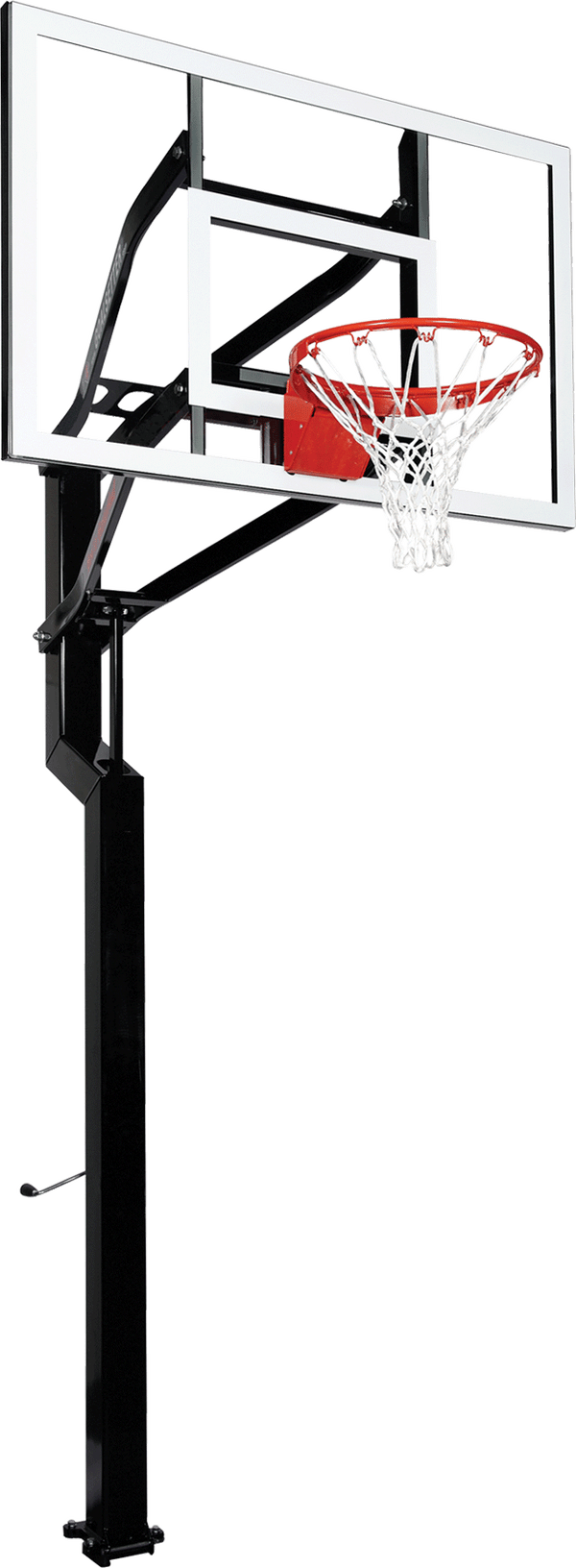
To begin exploring a hoop, start with the 3D view available on mobile and desktop. On your phone, go to the product page of the Goalsetter model you're considering and tap the second product image. You’ll instantly enter the 3D experience, where you can drag your finger across the screen to rotate the hoop in every direction. This allows you to inspect the backboard, check the design of the height adjustment system, compare pole sizes, and get a close look at the craftsmanship that makes Goalsetter so trusted. On desktop, this feature is just as simple. Scroll through the image gallery until the 360° view appears, and then click and drag your mouse to move the hoop around. The 3D view makes model comparison easier, especially when families are deciding between different backboard widths or pole configurations. TRY IT NOW.
Once you’ve explored the hoop in 3D, you can instantly bring it into your own driveway using the mobile-only AR feature. To use AR, simply tap “View in Your Space” on the product page while using your phone. Your camera will open, and after you point it at your driveway, the hoop will appear in full scale exactly where you want it. This tool lets families see how much playing room they’ll have, how the hoop fits with the existing driveway layout, and whether the placement works with parking, sidewalks, or garage access. Kids can even help explore by moving around the hoop and imagining where they’ll shoot from or how far to mark their free-throw line.
Parents appreciate the clarity that AR provides. It allows you to try different court layouts without ever moving real equipment. You can place the hoop closer to the garage, shift it toward the side of the driveway, or set it up to maximize play space. AR also helps you make sure the area is safe and open, with enough room for shots, rebounds, and games of knockout. You can take screenshots of each placement to compare later or share with the whole family, so everyone gets a say in the final location. These screenshots can also be shared with a professional installer or a local dealer to help communicate placement preferences and narrow down the best hoop option for your space.
Please note: the “View in Your Space” AR feature may not be available on every phone model, as availability depends on device compatibility.
Goalsetter’s 3D and AR tools transform the shopping experience by turning guesswork into certainty. Families can now confidently choose the right hoop not only based on features but also on how it fits into their home and lifestyle. If you’re ready to design the perfect family court, visit any Goalsetter hoop page to explore the new 3D and AR tool. See the hoop, see the space, and envision the memories that will be made for years to come.